- App blockers
- Comparison
Brick Alternatives: Every Phone Blocking Device Compared (2026)
I priced every NFC phone blocker on the market: Brick, Bloom, Locked Tag, Unpluq, Opal and Freedom. What each one costs, where they actually differ, and which one fits your problem.
Disclosure: I build Rise, a subscription morning app blocker for iPhone. I have tried to be straight about where the paid devices genuinely beat it — there are a few places where they do.
Short version: the cheapest physical blocker is the Bloom Card at $39. The most polished is Brick at $59. Locked Tag wins on shipping if you are outside the US, Unpluq is a subscription wearing a gadget's clothes, and Freedom is the only thing here that touches your laptop. If the hour you actually lose is the first one after waking, a morning-only app solves that specific problem without hardware.
There is a small industry now built on a single insight: the reason Screen Time does not work is that the off-switch travels with you.
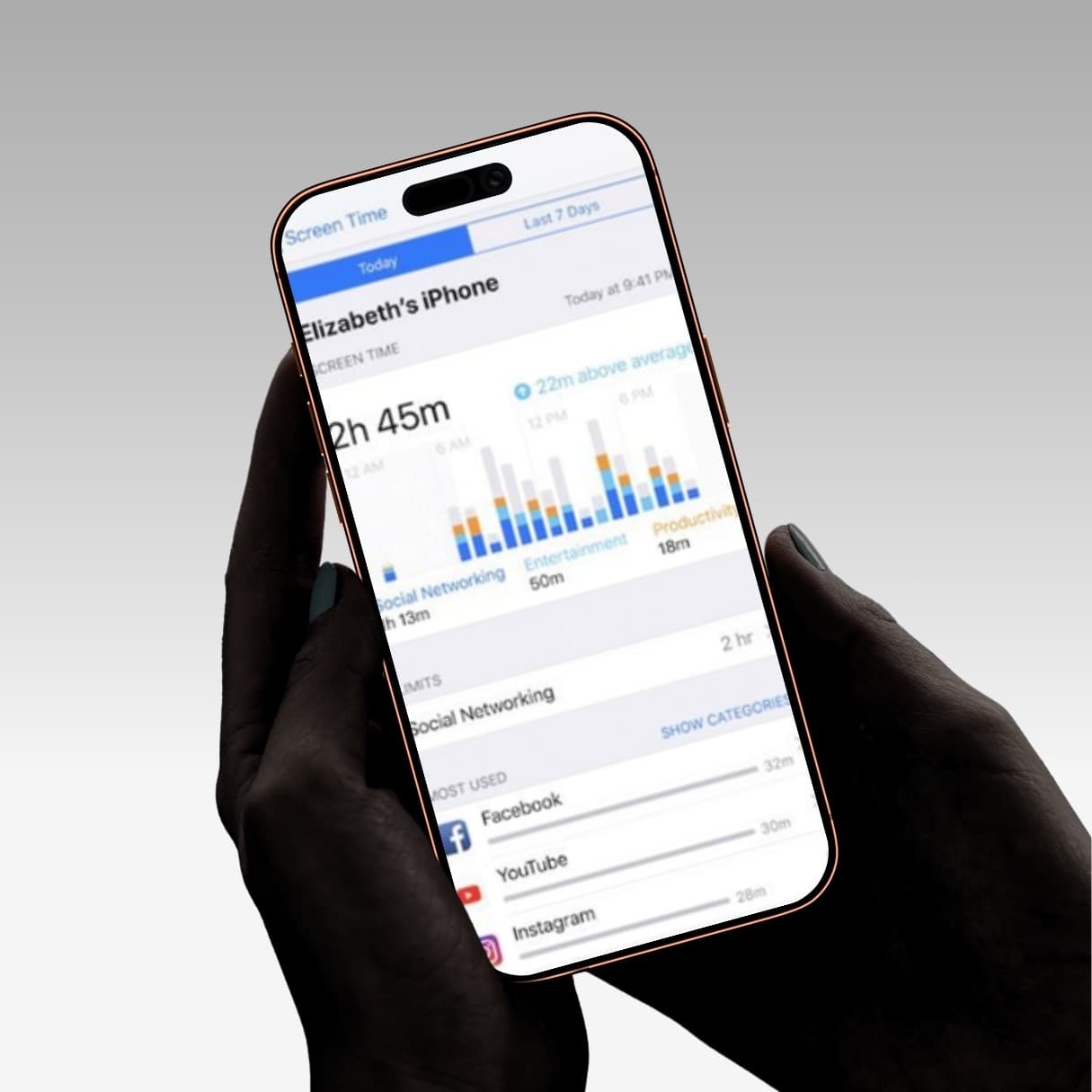
You set a one-hour Instagram limit. At 9:47pm the grey overlay appears. You tap "Ignore Limit." The limit was never a limit — it was a suggestion you made to yourself in a calmer mood, and the version of you at 9:47pm has full authority to overrule it.
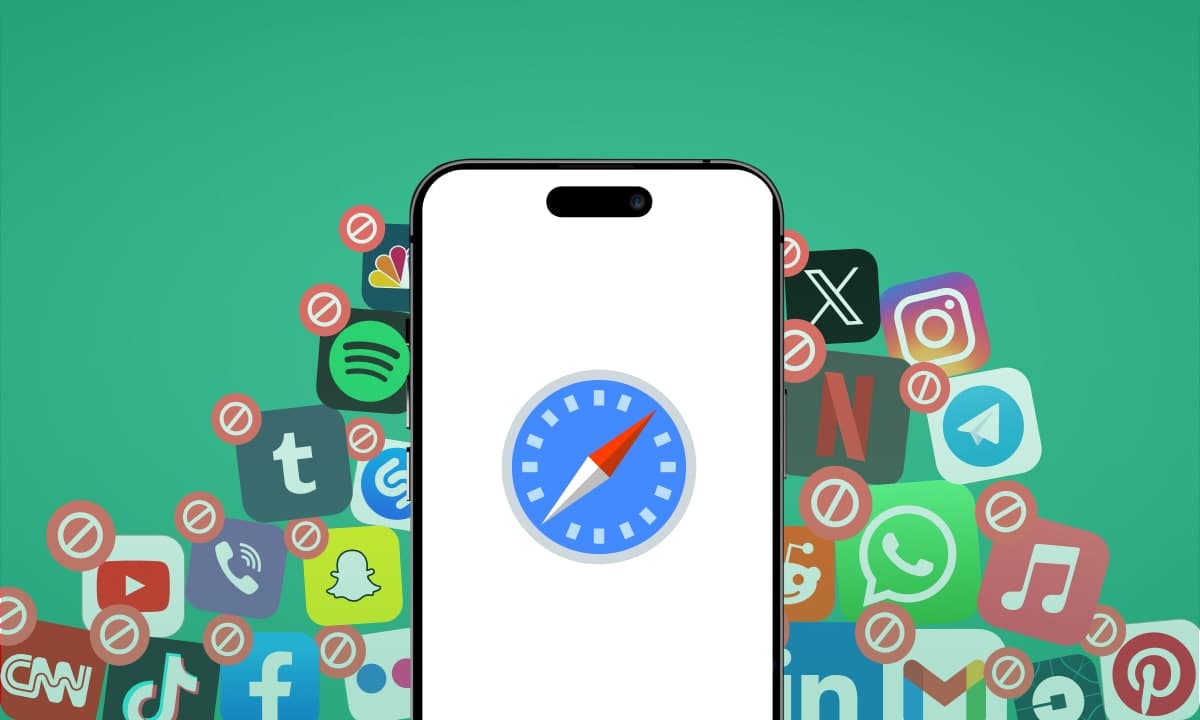
The fix these companies sell is a physical key. An NFC tag you leave in another room. Your apps stay locked until you walk to the tag and tap it. The off-switch no longer travels with you, so the 9:47pm version of you cannot reach it without standing up.
It is a good idea. It is also, at this point, the same idea sold four different ways. Here is what each one costs and where they actually differ.
Brick — $59, one-time
The category leader and the one you have probably seen. A grey magnetic puck, roughly the size of a matchbox, that sticks to your fridge or your front door.
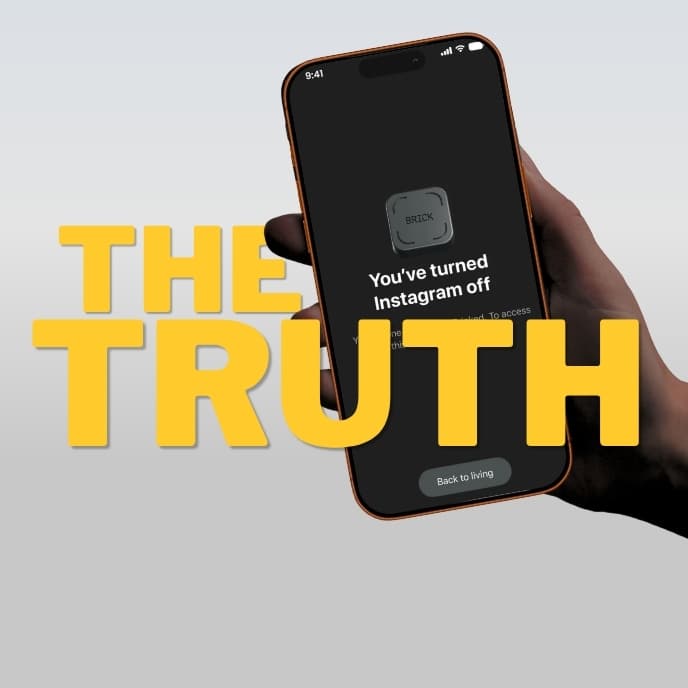
How it works: pick your apps in the free companion app, tap your phone to the Brick, and those apps disappear until you tap it again. No battery, no charging — it is a passive NFC chip, the same technology as tap-to-pay.
Price: $59 one-time. The app is free forever on both iOS and Android, with no subscription. One Brick pairs with unlimited phones, so a couple or a family can share a single unit. There is a 30-day money-back guarantee, and it is now HSA/FSA eligible in the US.
Compatibility: iOS 17+ and Android 12+.
The escape hatch: five Emergency Unbricks per device, total. Not five per month — five, and then you are emailing support. Brick also ships a Strict Mode that prevents you deleting the app or changing settings mid-session.
Worth knowing: reviewers consistently report that shipping costs push the effective price meaningfully higher outside the US. It also does not touch your laptop, which matters if your distractions simply migrate there.
Bloom Card — $39, one-time
The Shark Tank one. Same mechanic, different form factor: a stainless steel card that lives in your wallet rather than a puck that lives on your fridge.
Price: $39 one-time, the cheapest of the physical blockers. Free app access on iOS and Android, no subscription, 30-day money-back guarantee.
What it adds: Bloom's feature list is the broadest of the three. Alongside app and website blocking it includes focus schedules, break timers, adult content blocking, and a Child Mode aimed squarely at parents — locked schedules where only the parent's card can change settings. There is also a friend leaderboard for focus streaks, which will either motivate you or annoy you.
The trade-off: the wallet form factor cuts both ways. A card in your pocket is a card you always have on you, which somewhat undermines the "leave the key in another room" premise. Reviewers also note the NFC scan is fussier than Brick's.
Locked Tag — around $59, one-time
The scrappy challenger, and the most explicit about it: their site runs a page called "The Best Brick App Alternative."
Price: roughly $59 for the Tag (discounted from $79.99), with a slimmer wallet Card at around $39. Prices vary by region, so check your local storefront. Free shipping and 20% off on two or more. Sixty-day guarantee, which is the most generous in the category.
How it works: identical core loop, plus manual activation — you can lock apps without the tag present, but you still need the physical tag to unlock. That is a genuinely useful asymmetry the others do not emphasise.
What it adds: streaks, short breaks that do not cost you a full unlock, and scheduled locks.
The escape hatch: three emergency unlocks per phone. Their FAQ is a little inconsistent about whether these replenish monthly, so treat three as the working number.
Worth knowing: they are the loudest about being cheaper than Brick, and with free worldwide shipping the landed cost comparison is real if you are outside the US. One reviewer flags a 50-app blocking cap.
Unpluq — the one with the catch
Worth including because its pricing model is different from the rest.
The Tag is $26.50, which looks like the bargain of the category until you read the next line: the tag does nothing without a Premium subscription, which starts at $35/year. The bundle runs from about $57 and includes the first year.
The free tier lets you block two apps using shake or tap-pattern barriers, but the physical tag — the entire reason to buy the hardware — is paywalled. Stop paying and you own a keychain.
Unpluq does offer things the others do not: up to seven different unlock barriers and location-based rules. If you want that flexibility, fine. Just price it as a subscription, not a $26 gadget.
Where the software-only apps sit
For context, since these are what most people try first:
- Opal — free basic tier, Pro at $19.99/month or $99/year
- Freedom — $8.99/month or $39.99/year, covering Mac, Windows, iOS, Android and Chrome
Freedom is the only one here that blocks your laptop, which is a real advantage none of the NFC tags can match. Opal has the best analytics on iOS. Both cost more over three years than any physical device costs once, and both live entirely on the device you are trying to control.
The honest summary
| Price | Type | Platform | Blocks laptop | |
|---|---|---|---|---|
| Bloom Card | $39 once | Wallet card | iOS + Android | No |
| Locked Tag | ~$59 once | Magnetic tag | iOS + Android | No |
| Brick | $59 once | Magnetic puck | iOS + Android | No |
| Unpluq | $26.50 + $35/yr | Keychain tag | iOS + Android | No |
| Freedom | $39.99/yr | Software | Everything | Yes |
| Opal | $99/yr | Software | iOS + Mac | Partial |
| Rise | Subscription, free trial | Software | iPhone | No |
If you want all-day, cross-platform, hard-to-defeat blocking and you are willing to pay once for it, buy a Brick or a Bloom. I am not going to pretend otherwise. The physical-key mechanic is genuinely the strongest enforcement available to a consumer, and $39–59 once is not a lot of money for something that works.
But there is a question worth asking before you spend it.
What problem are you actually solving?
When people describe their phone problem to me, it is almost never "I use Instagram too much between 2pm and 4pm." It is this:
I wake up, and before I have stood up, I have been on my phone for forty minutes.
That is a specific failure with a specific cause, and it is not weak willpower.
Sleep inertia is real. For roughly 15 to 60 minutes after waking, your cognitive and motor performance are measurably impaired. The prefrontal cortex — planning, impulse control, self-regulation — is not fully online yet. The version of you who set the intention last night is not the version making decisions when the alarm goes off. There is more on the science here.
The habit is automatic, not chosen. Alarm, hand movement, screen light: that sequence has run enough times that it executes without a decision anywhere in it.
So "just do not check your phone" is the wrong intervention. It asks the self-control system to do the work at the exact moment the self-control system is least available. What works is changing the environment so the old behaviour is interrupted before it completes.
A physical NFC tag on your fridge does solve this. It also solves eleven other problems you may not have, and it costs $59, and it requires you to have set it up correctly, and it does not ship until next week.
Rise: the same friction principle, no hardware, aimed at one moment
I built Rise because I was losing the first hour of every day and nothing else worked. It is one person, one app, one problem.
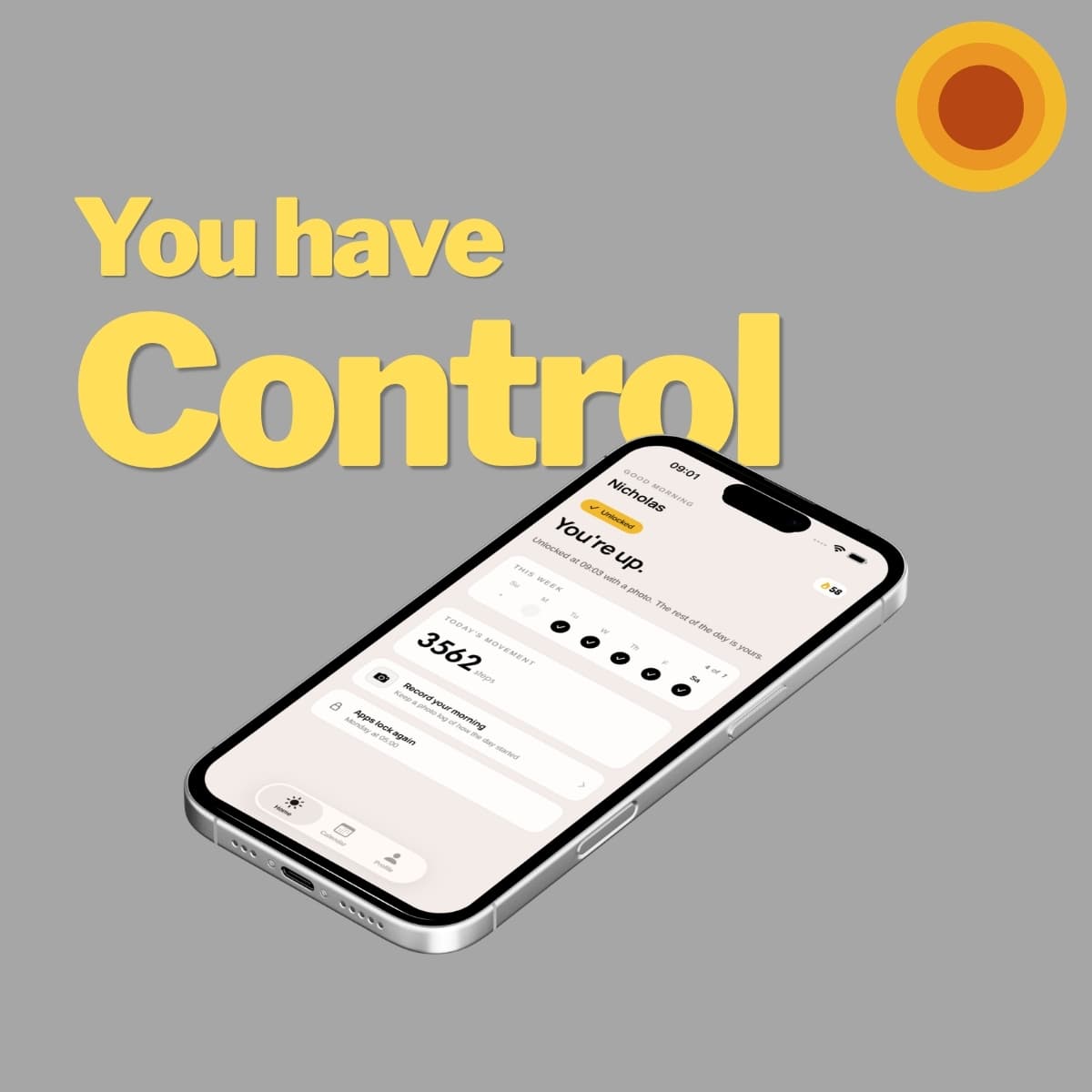
How it works: your chosen apps stay locked during your wake-up window. To unlock them you either walk 100 steps — you cannot walk 100 steps lying down, which is the entire point — or photograph a real object across the room. Your toothbrush, the kettle, the front door. Either way, you are already up before your feed loads. See the two unlock methods.
What it costs: a monthly or annual subscription, with a free trial for eligible customers. Your App Store storefront sets the price, and the trial length and the price that follows are shown before you confirm. No ads. No account either — no email, no password, no sign-up screen. Your settings and step data stay on your device. Photo unlocks are checked, then discarded. Cancel in your App Store settings at least 24 hours before renewal.
What is included: any app on your phone can be locked. Separate wake windows for every day of the week, so a 6:00 Tuesday and a 9:00 Sunday both work properly. Wake-up stats so you can see whether you are actually getting up earlier or quietly sliding later.
Setup takes about three minutes, tonight, and tomorrow morning runs differently.
Where Rise loses
I would rather you hear this from me than find it out after downloading.
- iPhone only. Rise depends on native iOS Screen Time and Family Controls. Android does not expose the same capability. Brick, Bloom and Locked all work on both.
- Mornings only. If your problem is the 3pm work scroll or the 11pm doom spiral, Rise will not touch it. Buy a physical blocker.
- You can delete it. Rise is friction, not a prison. It interrupts an automatic habit at the moment it fires, which is enough for most people most mornings — but a determined person at 6am can uninstall it. A tag sitting in another room cannot be uninstalled.
Where Rise wins
- The trial is free, so finding out costs you three minutes rather than $59 and a week of shipping.
- The unlock is physical without requiring hardware. 100 real steps is the same friction principle as walking to your fridge; it just uses the motion sensors already in your pocket instead of a $59 puck.
- It targets the moment that actually matters. Roughly 85% of people check their phone within ten minutes of waking. That first window sets the tone for everything after it.
- No shipping, and nothing arrives late. You can cancel in your App Store settings before the trial ends if it is not for you.
What I would actually recommend
Try Rise first. The trial is free and setup takes three minutes. If the morning was your real problem — and for most people it is — you will know inside a week, before any hardware ships.
If a week later you are still scrolling at 3pm, then you have a genuine all-day problem and you should buy hardware. Bloom at $39 if you want the cheapest way in or you need parental controls. Brick at $59 if you want the most polished product and the strictest enforcement. Locked if you are outside the US and shipping economics matter.
If your laptop is the real culprit, none of these help. Get Freedom.
What I would avoid is spending $99 a year on software that lives on the device you are trying to control, when a one-time $39 purchase enforces harder — or when a morning-only app might turn out to solve the specific hour you were losing.
The whole category is built on one true idea: leave the key somewhere you have to walk to. Rise just does not charge you for the key.
Start your free trial of Rise on the App Store →
Prices accurate as of publication and vary by region — check the vendor's site before buying. Sources: manufacturer websites and independent reviews.
Frequently asked questions
What is the cheapest Brick alternative?
The Bloom Card is the cheapest physical alternative at $39 one-time, with no subscription. Locked Tag sits at roughly $59 for the tag or about $39 for its wallet card. If you only lose your mornings rather than your whole day, Rise needs no hardware at all and starts with a free trial.
Is there a free alternative to Brick?
Apple's Screen Time is free and already installed, and deleting an app then storing its password somewhere inconvenient costs nothing. Both are covered in my guide to free Brick alternatives. Rise uses the same friction principle without hardware, but it is a subscription with a free trial rather than a free app, it only covers mornings and it only runs on iPhone.
Do NFC phone blockers work on Android?
Brick, Bloom Card, Locked Tag and Unpluq all support Android as well as iOS. Rise is iPhone only, because it relies on Apple's Screen Time and Family Controls, which Android does not expose in the same way.
Which phone blocker also blocks your laptop?
None of the NFC tags do. Freedom, at $39.99 a year, is the only tool in this comparison that blocks Mac, Windows, iOS, Android and Chrome together. If your laptop is the real problem, a physical tag will not help you.
Is Brick worth $59?
If you need all-day, cross-platform blocking that is genuinely hard to defeat, yes. The physical-key mechanic is the strongest enforcement available to a consumer, and $59 once is less than three months of Opal Pro. If your problem is specifically the first hour after waking, try a morning-only blocker first and only buy hardware if you are still scrolling at 3pm a week later.
What is the difference between Brick and Bloom Card?
Both use the same NFC mechanic. Brick is a $59 magnetic puck you leave on a fridge or door, with five emergency unlocks per device and a Strict Mode. Bloom is a $39 stainless steel card that lives in your wallet, with a broader feature list including schedules, break timers, adult content blocking and a parental Child Mode. The wallet form factor is more convenient but somewhat undermines the point of leaving the key in another room.