- App blockers
- Comparison
Free Alternatives to Brick: What Actually Works Without Spending $59
Screen Time, deleting apps, grayscale mode and free blocker tiers, tested against Brick's core mechanic — plus the free trick that comes closest to it.
Disclosure: one of the options below is mine, and it's the only paid one on the list. I've put it last, labelled it clearly, and told you where it falls short.
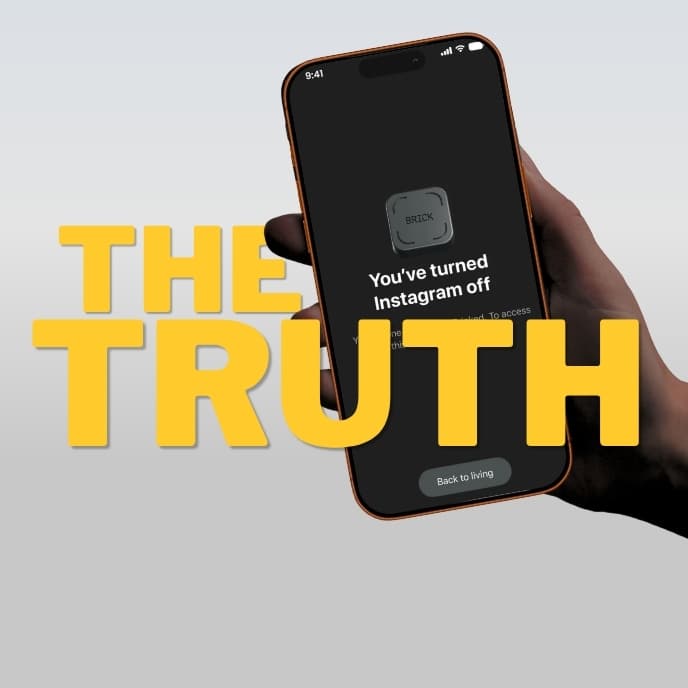
You've been looking at a Brick for a week now. Or a Bloom, or a Locked tag. The idea makes sense — leave the unlock key in another room — and the reviews are good.
But it's $59, plus shipping, and there's a voice in your head asking a reasonable question: am I about to spend sixty dollars on a problem I could solve for nothing?
Maybe. Here's an honest run through every free option, what each one actually does, and the specific failure mode of each — because they all have one. The paid morning-only app I build is at the end, clearly marked.
First, understand what you're paying $59 for
You are not paying for plastic. A blank NFC tag costs under a dollar.
You're paying for one structural property: the unlock key does not live on the phone.
Every free option below has to solve that problem some other way, or admit it hasn't. That's the lens to judge them by.
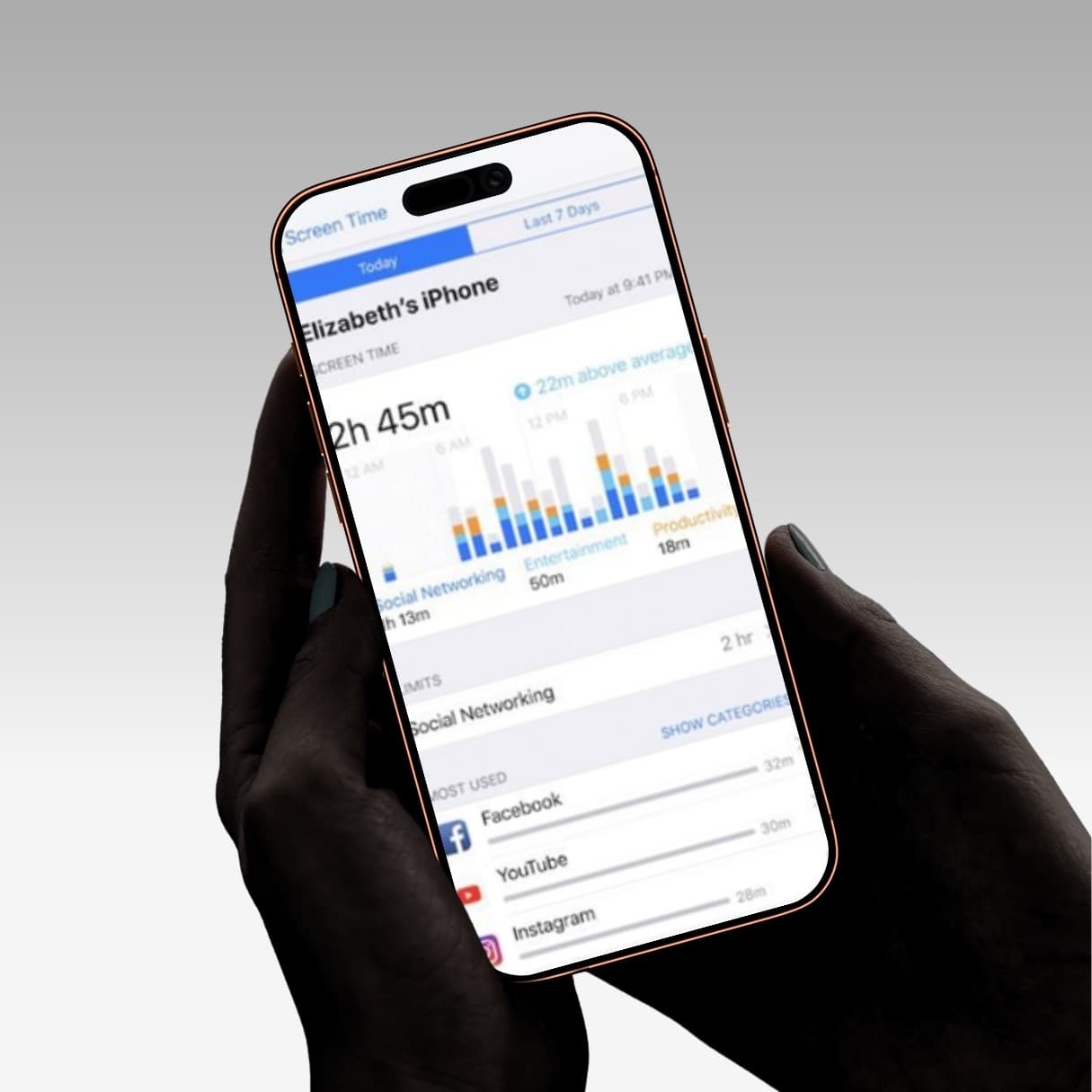
1. Apple Screen Time / Android Digital Wellbeing
Cost: Free, already installed.
What it does: App limits, downtime schedules, category blocking.
Why it fails for most people: The "Ignore Limit for Today" button. You set a rule in a calm moment; you break it in a compulsive one; the system grants the compulsive version of you full admin rights in a single tap. You can also change the Screen Time passcode yourself at any time.
When it actually works: If you've never tried it, try it. Some people genuinely only need a speed bump, and it's free and already on your phone. It's worth two weeks before you conclude you need hardware. Just be honest with yourself about whether you're tapping "Ignore Limit" daily.
The upgrade trick most people miss: Give the Screen Time passcode to someone you live with and don't learn it. This converts Screen Time from a self-imposed rule into an externally-enforced one, which is structurally the same thing a Brick does — the key isn't in your hands. It's free, it works, and almost nobody does it because it requires admitting to another human that you can't manage this alone.
2. Delete the apps
Cost: Free.
Why it fails: Reinstalling takes eleven seconds and your account is still logged in. The friction is real but it's measured in seconds, not in walking to the fridge.
When it works: Better than people expect, for apps you're ambivalent about. It fails specifically for the app you're most compulsive about, which is the one that matters.
3. Log out and delete the password
Cost: Free.
Why it's underrated: This is the strongest free option nobody uses. Delete the app, log out everywhere, generate a 40-character random password, save it somewhere genuinely inconvenient — a paper envelope, a friend's phone, a password manager you have to open on a laptop.
Now getting back into Instagram at 11pm requires a multi-step retrieval process, which is functionally the same friction as walking to another room. This is the closest free equivalent to what a $59 device does.
Why it fails: It's all-or-nothing. You can't use the app at all during the times you legitimately want it, and re-establishing access is annoying enough that most people just... stop doing it after the third time.
4. Grayscale mode
Cost: Free.
What it does: Makes your entire screen black and white, removing the colour cues that make feeds compelling.
Why it fails: It affects everything — photos, maps, your camera — not just the distracting apps. And it's three taps to undo. Genuinely useful as a supplement; useless as a barrier.
5. Physically leave the phone in another room
Cost: Free. The original and still undefeated.
Why it fails: You need your phone. It's your map, your camera, your alarm, your messages. The entire premise of the paid devices is that leaving the phone behind means losing everything useful along with the distractions.
When it works: During defined blocks — dinner, focused work, the first hour of the morning — where you genuinely don't need it. If this works for you, you don't need any product at all and you should stop reading.
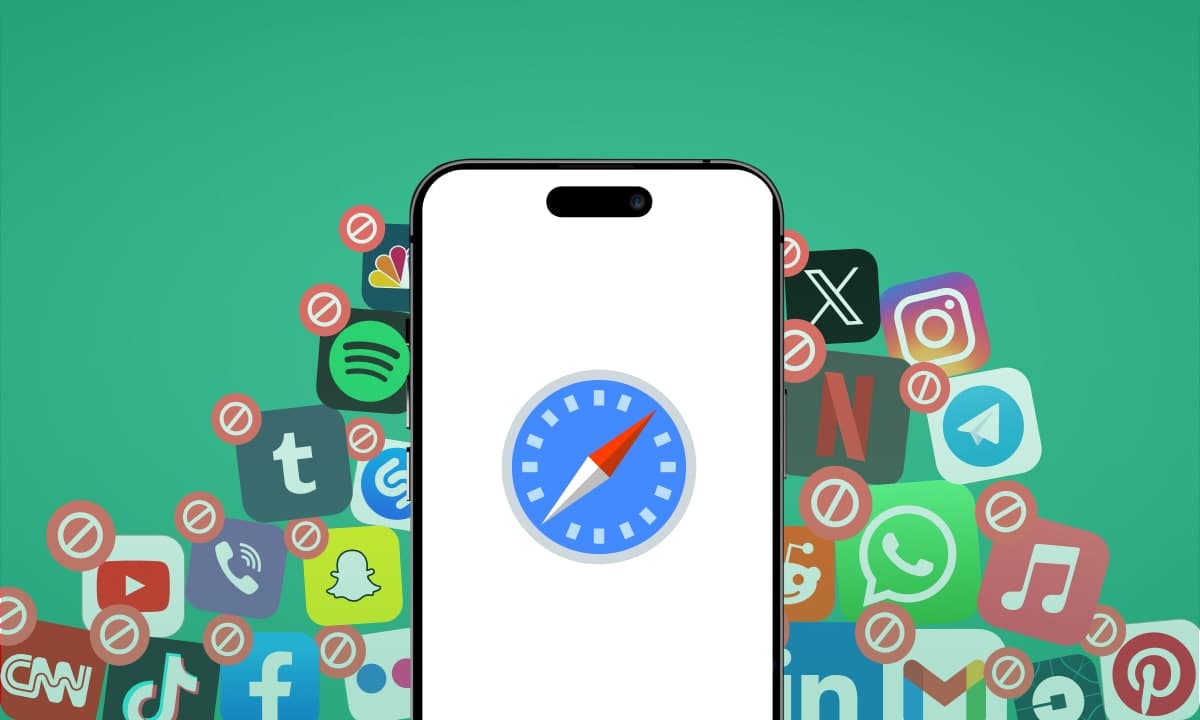
6. Free tiers of paid blockers
Opal has a genuinely usable free tier. One Sec — which inserts a breathing pause before an app opens rather than blocking it — is free for a limited number of apps and has actual peer-reviewed research behind the mechanic. ScreenZen is free and adds delay timers.
Why they fail: Same structural flaw as Screen Time. The off-switch is on the phone. But the friction-based ones (One Sec, ScreenZen) are more effective than their harshness would suggest, because interrupting an automatic behaviour and forcing a conscious choice does more long-term work than a hard wall does.
7. Buy a blank NFC tag and a free NFC app
Cost: About $2 for a pack of tags.
What it does: Some free apps let you use any NFC tag as a trigger for iOS Shortcuts automations. You can build a rough approximation of a Brick for the price of a coffee.
Why it fails: iOS Shortcuts can't block apps with anything like the enforcement of a proper Screen Time API integration. You can hide app icons and toggle Focus modes, but the apps remain reachable through search. It's a speed bump, not a barrier — and setting it up takes an evening.
Be honest with yourself: if you're the sort of person who enjoys building this, you're also the sort of person who will enjoy defeating it.
8. Rise — paid, and only solves the morning
This is mine, so read it sceptically.
Cost: a monthly or annual subscription, with a free trial for eligible customers. Your App Store storefront sets the price, and the trial length and the price that follows are shown before you confirm. No account, no ads. Cancel in your App Store settings at least 24 hours before renewal — deleting the app does not cancel it.
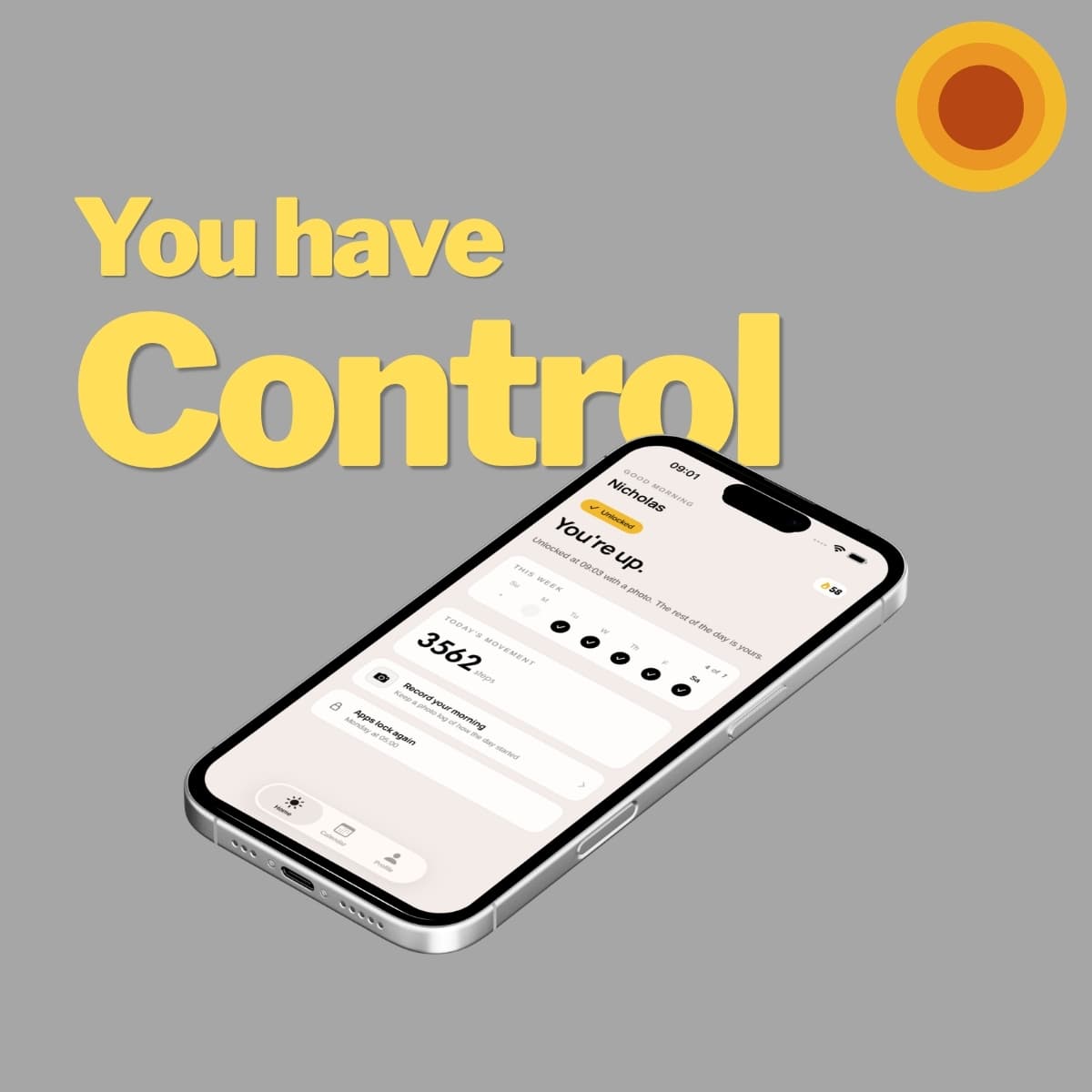
What it does: Your chosen apps stay locked during your wake-up window. To unlock them, you either walk 100 steps — measured by the phone's motion sensors — or photograph a real object across the room, like your toothbrush or the kettle. You're already up before your feed loads. See the two unlock methods.
Why it works: It applies the same principle as a Brick without the hardware. You have to physically move before you get access. You cannot walk 100 steps lying in bed, which is the entire mechanic.
Where it genuinely falls short:
- iPhone only. It depends on native iOS Screen Time and Family Controls, which Android doesn't expose the same way.
- Mornings only. If you're doomscrolling at 3pm or 11pm, Rise does nothing for you. Buy a physical blocker.
- You can delete it. It's friction, not a prison. A determined person at 6am can uninstall it. A puck in another room can't be uninstalled.
Start your free trial of Rise →
So should you buy the Brick or not?
Here's the decision, honestly:
Buy the hardware if your problem genuinely spans the whole day, you're on Android, or you've tried the free options above and watched yourself defeat every one of them. $59 once is less than four months of Opal, and the physical-key mechanic is the strongest enforcement a consumer can buy. Bloom at $39 is the cheapest way in.
Don't buy it yet if you haven't actually tried the free options — particularly handing your Screen Time passcode to someone else, which almost nobody does and which works.
Don't buy it at all if your problem turns out to be one window rather than the whole day.
That last one is worth checking before you spend anything, because it's more common than the marketing suggests. When people describe their phone problem, it's rarely "I use TikTok too much in the afternoon." It's almost always:
I wake up, and before I've stood up, I've lost forty minutes.
Around 85% of people check their phone within ten minutes of waking. If your version of the problem is concentrated there, you're buying a permanent, all-day, $59 solution to a scheduled one — and you can test that theory tonight for nothing.
Set up a free option, run it for a week, and see what's left. If the mornings were the whole problem, you've saved $59. If they weren't, you now know exactly what you're buying and why.
Prices accurate at publication and vary by region. I build Rise, which is listed above and is a subscription with a free trial.
Frequently asked questions
What is the closest free alternative to Brick?
Deleting the app, logging out everywhere, and saving a randomly generated password somewhere genuinely inconvenient — a paper envelope or a password manager on a laptop — is the closest free equivalent. It recreates Brick's core mechanic: the unlock key no longer lives on the phone.
Does Screen Time work as well as Brick?
Not on its own, because you can tap "Ignore Limit" or change your own passcode at any time. Giving your Screen Time passcode to someone you live with and not learning it converts it into an externally-enforced rule, which is structurally the same thing Brick sells — and it's free.
Is there a free app that works like Brick but for mornings only?
Not a fully free one I would recommend. Rise, which I build, applies the same physical-friction principle without hardware — chosen apps stay locked during your wake-up window until you walk 100 steps or photograph a real object across the room — but it is a subscription with a free trial rather than a free app. It also only covers mornings and only runs on iPhone.