- App blockers
- Guides
App Blocking Apps: Why Most Stop Working by Week Three
There are hundreds of app blocking apps and nearly all of them use the same four mechanics. What separates the ones that last from the ones you delete isn't features — it's what the unlock costs you.
Disclosure: I build Rise, a subscription morning app blocker for iPhone. I have tried to be straight about where the free and cheaper tools beat it, because in several cases they do.
Short version: every app blocking app on iPhone is built on the same Apple framework, so the differences between them are not technical — they are behavioural. The only variable that reliably predicts whether a blocker still works in month three is what it costs you to unlock it. One tap fails. A ten-second wait fades. A passcode you know yourself fails eventually. A physical act — walking somewhere, doing something — is the only category that holds, and it is also the category almost nobody sells.
There is a familiar arc to installing an app blocking app.
Week one is brilliant. You pick your apps, you set your schedule, the grey screen appears when you reach for Instagram, and you feel a small, clean sense of having solved something.
Week two is fine. The grey screen still appears. You still mostly obey it.
By week three you have learned the shape of the off-switch. Not consciously — you didn't sit down and plan to defeat your own blocker. You just noticed, in the way you notice where the light switch is in a dark room, that there is a sequence of taps that makes the grey screen go away, and your thumb found it before your brain did.
This isn't a personal failing and it isn't a bug in the app you chose. It is a predictable consequence of how nearly every app blocking app is built. Here is what is actually going on, what the research says, and how to choose one that survives past the honeymoon.
What an app blocking app actually is
Worth clearing up first, because the App Store listings obscure it.
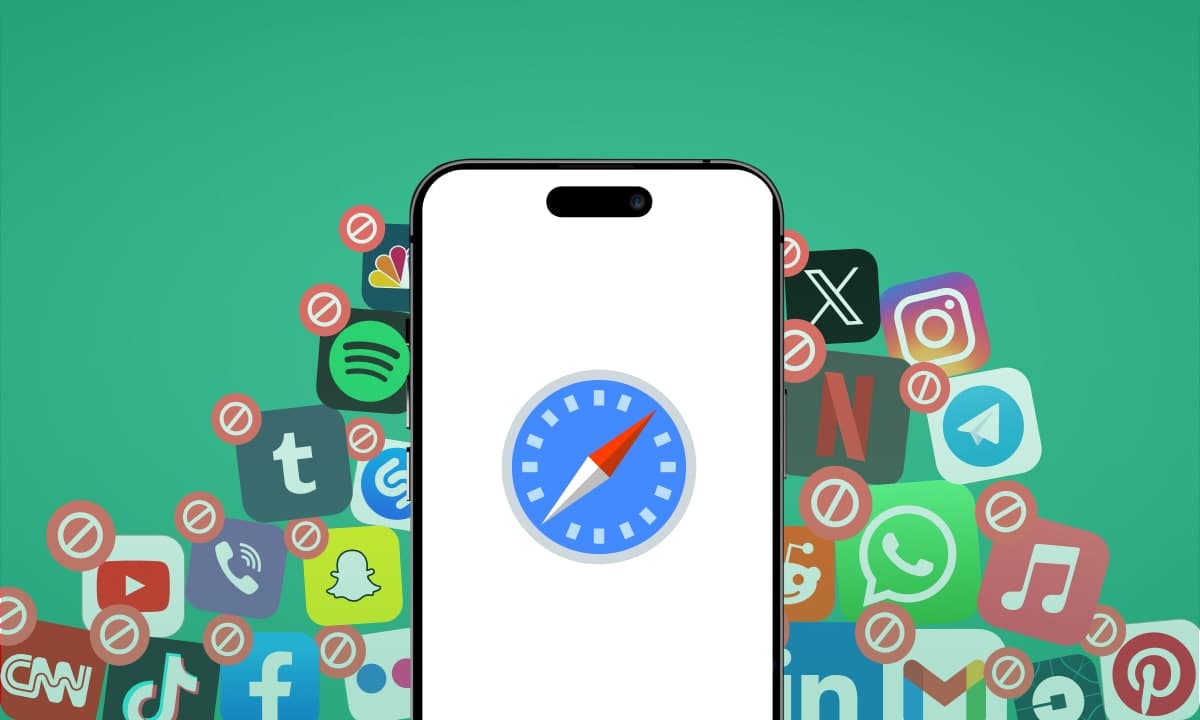
On iPhone, essentially every third-party app blocker — Opal, Jomo, one sec, ScreenZen, AppBlock, Foqos, Brick's companion app, Rise — is built on the same set of Apple frameworks, collectively called the Screen Time API. There are three: FamilyControls asks your permission and presents the picker where you choose apps; ManagedSettings applies the actual block; DeviceActivity decides when that block switches on and off. Apple designed them so developers could use the machinery behind parental controls without seeing your data — the app you install never learns which apps you selected in any readable form. It receives an opaque token and hands it back to the system.
Three consequences follow, and they explain most of what confuses people about this category:
1. No iPhone app blocker you install on yourself is tamper-proof. There is a mode where Apple will prevent deletion — but it requires the parental configuration, where a second person authorises removal from their own device. Install a blocker on yourself and you get the individual mode, where you can delete it whenever you like. Android blockers can request Device Administrator permission and make themselves genuinely hard to remove; iOS has no self-applied equivalent. Any app blocking app on iPhone is friction, not a prison, and any listing that implies otherwise is overselling.
2. They are all more similar than the marketing suggests. When every app draws from the same API, the difference between a free tool and a $99-a-year one is the interface, the analytics, the scheduling logic and the design of the unlock — not the strength of the block itself.
3. Website blocking is a separate problem. Blocking the TikTok app does nothing about tiktok.com in Safari. Some apps handle this with Safari content blockers or a local VPN profile; many don't. If your habit will happily migrate to the browser, check for this specifically before paying.
So if the blocking strength is roughly constant, what actually varies?
The four mechanics, and what each one costs you
Strip away the branding and there are four mechanics in this entire category.
Hard block on a schedule. Your chosen apps are unavailable during a window you set. Opal, Jomo, AppBlock and Freedom all live here. Strongest on paper. The weakness is that you configured the schedule and you can reconfigure it.
Friction before entry. The app opens, but only after a delay, a breathing animation, or a prompt asking what you actually came here to do. one sec and ScreenZen are the well-known examples. Gentler, and — as we'll see — genuinely effective in ways that surprise people.
Gamified consequence. Something you care about is destroyed if you break the session. Forest grows a tree that dies. Cheap, charming, and entirely dependent on you caring about the tree in six weeks' time.
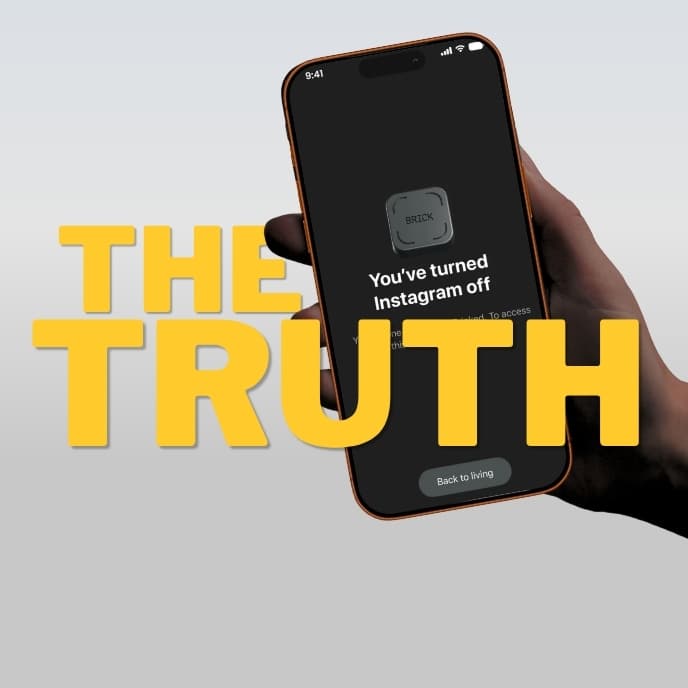
A physical key. The unlock requires something outside your phone: an NFC tag on the fridge, a QR code taped to a wall, a passcode held by another person. Brick, Bloom, Locked and the free open-source Foqos work this way. Structurally the strongest, because the off-switch stops travelling with you.
Now the useful part. Line those up by what the unlock costs you rather than by price or feature count:
| Unlock cost | Mechanic | Examples | Survives a bad morning? |
|---|---|---|---|
| One tap | Dismissible overlay | Screen Time's Ignore Limit | No |
| A short wait | Delay / breathing pause | one sec, ScreenZen | Sometimes, fading over time |
| A passcode you know | Strict / Deep Focus modes | Opal, Jomo, AppBlock | Sometimes, for a while |
| A physical act or object | NFC tag, QR code, steps, a photo | Brick, Foqos, Rise | Usually |
That right-hand column is the whole article. Everything else — the charts, the streaks, the soundscapes, the focus scores — is decoration on top of one question: at 6:40am, in a bad mood, how much does it cost you to make this stop?
What the research actually shows
Two pieces of published work are worth knowing about here, because between them they explain both why friction works and why it fades.
The landscape is narrower than it looks. In a 2019 CHI paper, Lyngs and colleagues at Oxford reviewed 367 digital self-control apps and browser extensions across the app stores. Blocking or removing things was by far the most common approach, ahead of self-tracking, goal-setting and reward systems. Around two-thirds of the tools they reviewed offered only a single feature. And strikingly, out of all 367, only two were built around using a deliberate delay to support self-control — despite delay being one of the better-understood mechanisms in behavioural science.
Friction works, and then it decays. In 2023, Grüning, Riedel and Lorenz-Spreen published a field experiment in PNAS studying one sec across 280 participants over six weeks. When the app interrupted an attempt to open a target app, participants abandoned that attempt 36% of the time on average. They also made 37% fewer attempts to open those apps over the course of the study. That is a real, peer-reviewed effect from what is, mechanically, a ten-second pause.
But look at the shape of it across the six weeks. The dismissal rate was 43% in week one, dropped to 36% in week two, and settled at roughly 32–34% for the rest of the study. The intervention kept working — it just stopped working as well as it did at the start.
That is the week-three feeling, measured. You habituate. The pause stops being an interruption and becomes part of the ritual of opening the app.
This cuts both ways, and I want to be fair to the friction apps here: a third of attempted opens abandoned, indefinitely, is an excellent result for something free or nearly free. If your relationship with your phone is "slightly more than I'd like," friction is very likely all you need, and you should not spend $99 a year on anything.
The problem is that friction is weakest exactly where people need it most: in a state where the deliberative part of your brain is not fully online and the wait is just a wait.
The main app blocking apps, compared honestly
ScreenZen — free. A pause screen in front of your chosen apps, plus a cap on how many times a day you can get through. Genuinely free, funded by donations, no premium tier lurking. If you have never paid for a blocker, start here tonight. Unlock cost: a wait.
one sec — free for one app, paid for more. The research-backed one. A breathing animation and a prompt before the app opens, plus a count of how many times you've reached for it. Pro pricing varies by region and is available monthly, annually or as a one-off lifetime purchase — check your own storefront, because third-party sites quote wildly different numbers. Unlock cost: a wait.
Jomo — free tier, then around $5.99/month, $29.99/year or $99.99 once. Scheduled blocking with a decent rule builder, notably cheaper than Opal for a similar job. Less polished analytics. Unlock cost: a setting you can change.
Opal — free tier, Pro around $19.99/month, $99.99/year or $399 lifetime. The most polished product in the category and the best analytics on iOS. The catch is structural rather than about quality: Deep Focus, the mode that makes it genuinely hard to bypass, sits behind the paywall, and the free tier functions mostly as a trial. At $99.99 a year it also costs more annually than a physical blocker costs once. Unlock cost: a setting you can change, with effort.
AppBlock — free with in-app purchases. Cross-platform, with scheduling that can trigger on location or Wi-Fi network as well as time, plus a Strict Mode. Useful if your problem is context-dependent — say, your phone is fine at the office and a disaster at home. Unlock cost: a setting you can change.
Freedom — around $8.99/month or $39.99/year. The only one here that covers Mac, Windows, iOS, Android and Chrome together. If your laptop is the actual leak, none of the phone-only tools will help you and this is the one to buy. Unlock cost: ending a session, which is not hard.
Foqos — free, open source. An iPhone app blocker that uses NFC tags, QR codes or timers to start and end sessions. It is the cheapest way by a distance to get the physical-key mechanic: buy a few blank NFC stickers, put one in another room, done. Less polished than the commercial options, and you have to like a bit of DIY. Unlock cost: walking to the tag.
Brick and the NFC devices — roughly $39–59 once. A physical puck or card you tap to unlock. The strongest consumer enforcement available, because the key genuinely does not live on your phone. I've written a full comparison of every phone blocking device and a review of what long-term users report. Unlock cost: walking to the object.
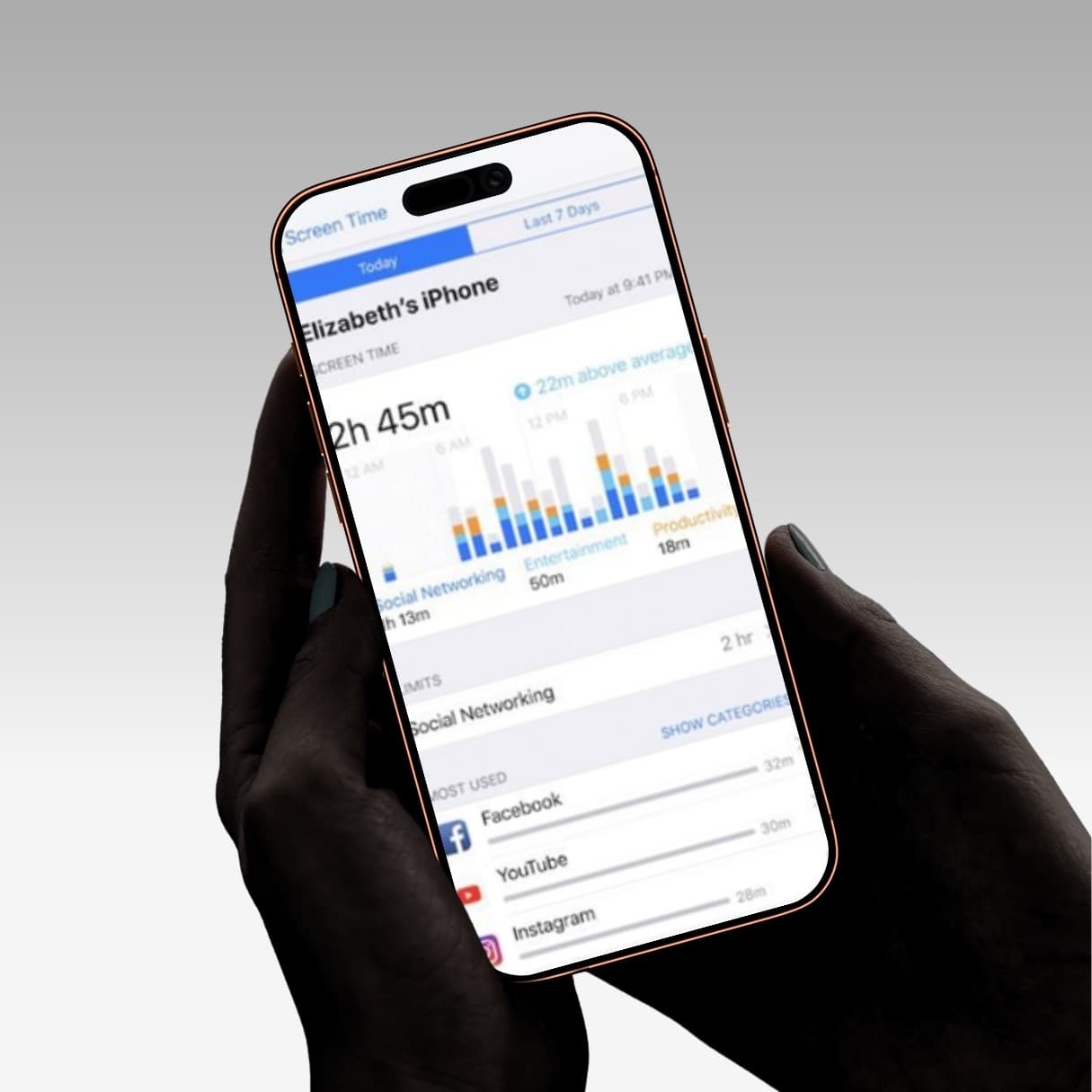
Apple Screen Time — free, already installed. Worth two weeks of your time because it costs nothing, and you'll learn something either way. It has a specific design flaw that most people never diagnose: it was built as a two-party parental tool, and you are using it as one person playing both roles. Unlock cost: one tap by default.
Prices vary by region and change often. Check the App Store or the vendor's own pricing page before buying — third-party review sites in this category are unusually unreliable about numbers.
How to choose: start with how you fail
Most "best app blocking app" lists rank by features. That's the wrong axis. Rank by your own failure mode:
"I'm mostly fine, I just reach for it without thinking." ScreenZen, free, tonight. You are the exact person friction was designed for, and the research says roughly a third of your reflexive opens will simply stop happening.
"I'm fine until 11pm and then I lose two hours." A scheduled hard block with the strictest mode available. Opal or Jomo. Set it while you're calm.
"My laptop is the real problem." Freedom. Nothing else on this list touches it.
"I've tried four blockers and defeated all of them." Stop buying software. You need the key out of your hands: an NFC tag (Foqos free, or Brick/Bloom paid), or the underrated free option — give your Screen Time passcode to another person and don't learn it.
"It's specifically the first hour after I wake up." Keep reading, because this one is a different problem with a different answer.
Why mornings defeat almost every app blocking app
When people describe their phone problem to me, it is very rarely "I use Instagram too much on Tuesday afternoons." It is almost always this:
I wake up, and before I have stood up, forty minutes are gone.
That is a specific failure with a specific cause, and general-purpose blockers handle it badly.
Sleep inertia is real and it is measurable. For roughly 15 to 60 minutes after waking, cognitive and motor performance are impaired. The prefrontal cortex — planning, impulse control, self-regulation — is not fully online. There is more on the science here.
This matters enormously for the mechanics above. A ten-second delay assumes there is a deliberating system available to use those ten seconds. At 6:40am there frequently isn't. You will wait out the pause with the blank patience of someone waiting for a kettle, and then you will open the app. A passcode-protected block assumes the calm version of you who set the passcode is stronger than the version who wants it gone. Before coffee, that assumption does not hold.
The behaviour is automatic, not chosen. Alarm, reach, screen light. That sequence has run so many times it executes without a decision anywhere in it. You cannot out-decide a behaviour that contains no decision.
So the intervention has to be physical, not cognitive. Something that cannot be completed lying down. That is the entire design constraint, and it's why the NFC-tag category works so well for mornings — you have to stand up and walk to the fridge. The tag isn't doing anything clever. It's just making you vertical.
I've written the full ranked list of morning fixes by effort, including the ones that cost nothing, and why this happens in the first place.
Rise: an app blocking app where the unlock is a physical act
I built Rise because I was losing the first hour of every day and none of the above fixed it. It is one person, one app, one problem — so read this section with appropriate scepticism.
How it works. You set a wake-up window — say 07:00 to 08:00. Your chosen apps lock an hour before it opens and stay locked. To unlock them you do one of two things: walk 100 steps (adjustable), or photograph something across the room that AI then checks is genuinely outside your bed — the kettle, your toothbrush, the front door.
You cannot walk 100 steps lying down. You cannot photograph the kitchen from under the duvet. That is the entire mechanism, and it is deliberately not clever. There is no passcode, because there is nothing to type. The unlock cost is getting up, which is also the thing you were trying to do.
What's included. Any app on your phone can be locked. Separate wake windows for each day of the week, so a 6:00 Tuesday and a 9:00 Sunday both behave properly. Wake-up stats, so you can see whether you're genuinely getting up earlier or quietly sliding later. No account — no email, no password, no sign-up screen. Settings and step data stay on your device, and photo unlocks are checked and then discarded. It's a subscription with a free trial; your App Store storefront sets the price, and the trial length and the price after it are both shown before you confirm. See the two unlock methods.
Where Rise loses
I'd rather you hear this from me than discover it after downloading.
- iPhone only. Rise depends on Apple's Screen Time and Family Controls. Android doesn't expose the equivalent. ScreenZen, one sec, AppBlock, Freedom and the NFC devices all work on both.
- Mornings only. If you lose your afternoons, Rise will not touch it. Buy a scheduled blocker or a physical tag.
- You can delete it. As covered at the top, nothing on iOS is uninstall-proof. Rise interrupts an automatic habit at the moment it fires, which is enough for most people most mornings. A tag sitting in another room cannot be uninstalled; an app can.
- It is not free. ScreenZen and Foqos are. If money is the constraint, use those — I would rather you fixed the problem than paid me.
Where Rise wins
- The unlock is physical without requiring hardware. 100 real steps is the same principle as walking to your fridge, using the motion sensors already in your pocket instead of a $59 puck that ships next week.
- It doesn't decay the way a delay does. You can habituate to a ten-second wait. It is harder to habituate to standing up, because by the time you've done it the state that wanted the phone has largely passed.
- It targets the window that sets up the rest of the day, rather than trying to police all sixteen waking hours.
- Three minutes to set up tonight, and tomorrow morning runs differently.
Start your free trial of Rise →
The takeaway
The app blocking app category is much narrower than its App Store listings imply. Same Apple frameworks, same four mechanics, wildly different prices.
So don't choose on features. Choose on one question: what does it cost you to unlock this when you least want it to be there? If the answer is a tap, it will fail. If it's a wait, expect it to work well for a while and then work less well — which the research bears out precisely. If it's a physical act or a physical object, you've removed yourself from the loop, and that is the only arrangement that reliably survives contact with a bad morning.
Then start with the free option in whichever tier fits you. ScreenZen if friction is enough. Foqos and a $3 NFC sticker if it isn't. Spend money only once you know which tier you're actually in.
If the hour you lose is the first one, see how Rise handles it.
Sources: Lyngs et al., "Self-Control in Cyberspace: Applying Dual Systems Theory to a Review of Digital Self-Control Tools," CHI 2019; Grüning, Riedel & Lorenz-Spreen, "Directing smartphone use through the self-nudge app one sec," PNAS 120(8), 2023; Apple developer documentation for Screen Time API, Family Controls and ManagedSettings; vendor pricing pages. Prices accurate at time of writing and vary by region. I build Rise, a subscription morning app blocker, mentioned above.
Frequently asked questions
What is an app blocking app?
An app blocking app is software that makes chosen apps on your phone unavailable — either completely, on a schedule, or until you complete some action. On iPhone they are almost all built on Apple's Screen Time API and Family Controls frameworks, which is why the blocking itself feels similar across products. What differs is the trigger for the block and, more importantly, what it takes to undo it.
What is the best free app blocking app for iPhone?
ScreenZen is the strongest genuinely free option: it puts a configurable pause in front of your chosen apps and caps how many times a day you can get through, with no premium tier. Foqos is free and open source and gives you the physical-key mechanic using cheap NFC stickers or QR codes. Apple's Screen Time is free and already installed, though by default it can be dismissed with a single tap.
Do app blocking apps actually work?
Yes, with a measurable caveat. A peer-reviewed field study of one sec found users abandoned around 36% of their attempts to open a target app, and made about 37% fewer attempts overall over six weeks. But the effect decayed: roughly 43% of attempts were abandoned in week one, settling to around 32–34% by the end. Blockers work, and they work less well the longer you use them — which is why the harder-to-undo designs tend to last.
Can you bypass an app blocking app on iPhone?
Usually, yes. Apple only allows an app to be protected from deletion in the parental configuration, where a second person authorises removal — install a blocker on yourself and you can remove it whenever you like. Strict modes and passcodes add real friction but not a wall. If you need enforcement you can't defeat, the unlock key has to live outside your phone — an NFC tag in another room, or a passcode held by someone else.
What's the difference between an app blocker and Apple Screen Time?
Screen Time is Apple's built-in tool, designed as a parental control where one person sets the rules and another lives under them. Used on yourself, you hold your own passcode, so the default 'Ignore Limit' button makes the limit a suggestion. Third-party app blocking apps build on the same underlying frameworks but redesign the unlock — adding delays, session locks, physical tags or required actions — specifically to close that gap.
Which app blocking app is best for mornings?
Mornings are a distinct problem, because sleep inertia impairs impulse control for roughly 15 to 60 minutes after waking, so a delay or a passcode you know is weak exactly when you need it. The mechanics that survive a morning require a physical act: an NFC tag in another room (Brick, Bloom, or free with Foqos), or Rise, which keeps your apps locked during your wake-up window until you've walked 100 steps or photographed something across the room.