- App blockers
- Reviews
Does Brick Actually Work? I Read Every Review So You Don't Have To
Forbes Vetted, Marie Claire and Cybernews have all reviewed Brick long-term. What they found, what the 95% stat really means, and who it won't work for.
I haven't personally used a Brick — I build a subscription morning app blocker, so I'd rather be upfront than pretend neutrality. What follows is a synthesis of published long-term reviews from Forbes Vetted, Marie Claire, Apartment Therapy, Cybernews, the Wall Street Journal, and independent bloggers who've used one for a year or more, plus what the underlying behavioural research says. Where Brick is good, I've said so.
You've seen it on your feed. A grey plastic puck, $59, that supposedly does what your willpower can't. The reviews are glowing enough to be suspicious. The company's own homepage claims 95% of users feel less distracted and 99% reduce their screen time.
So: does it actually work, or is this a $59 fidget toy for people who feel bad about TikTok?
Short answer: yes, more reliably than almost anything else in the category — but for a narrower set of people than the marketing implies, and only if you use it in the one specific way that makes it work at all.
Here's the long answer.
What Brick actually does
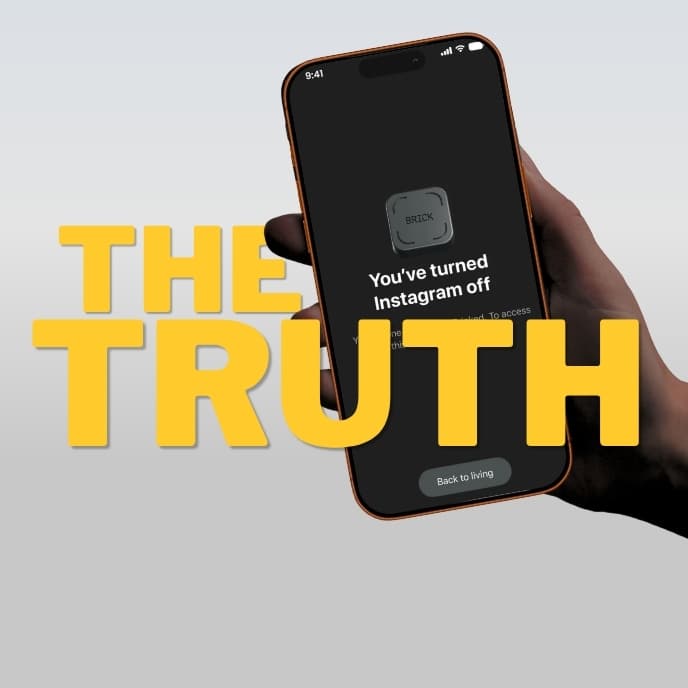
Brick is a passive NFC chip in a magnetic housing. No battery, no charging. You pair it with a free app, choose which apps to block, and tap your phone against the puck. Those apps vanish — icons gone, notifications silenced — until you tap the puck again.
That's it. That's the whole product.
The reason it costs $59 instead of $6 is not the hardware. It's the idea: the unlock key is no longer inside the device you're trying to control.
Why that one design decision matters more than any feature
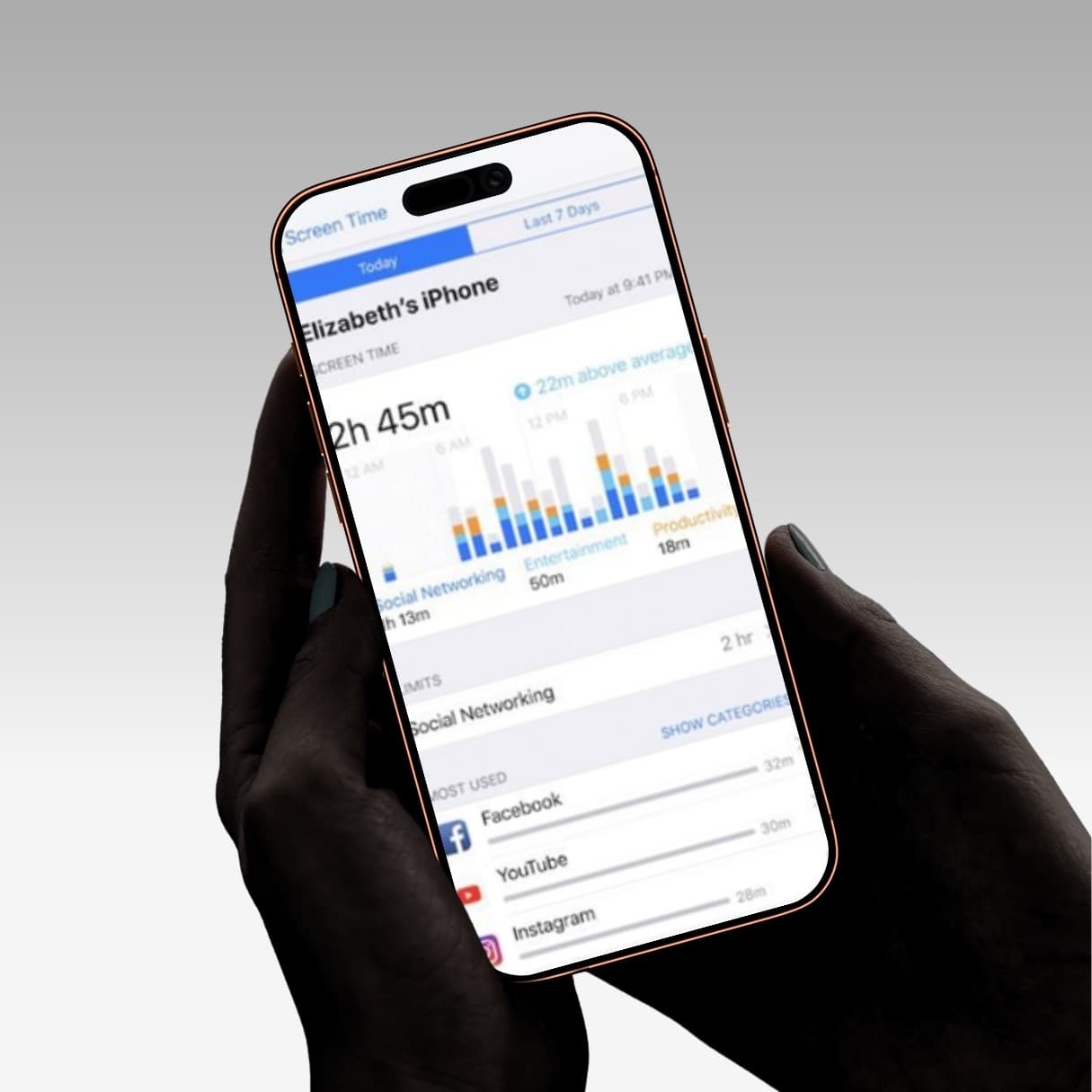
Every software blocker has the same structural flaw. Apple's Screen Time, Opal, Freedom, Digital Wellbeing — the off-switch lives on the phone in your hand.
You set an Instagram limit. At 9:47pm the grey overlay appears. You tap "Ignore Limit for Today." Total elapsed time: one second.
This is usually described as a willpower failure. It isn't. It's a design failure. You made the rule in a calm moment and you're breaking it in a compulsive one, and the system granted the compulsive version of you full administrative rights.
Brick removes those rights. If the puck is on your fridge and you're on the sofa, overriding the block requires standing up and walking. That sounds trivial. It is the entire product, and it's the reason it works when nothing else did for a lot of people.
The research supports the principle rather than the product. Friction-based interventions — anything that inserts a deliberate obstacle between cue and action — consistently outperform pure restriction, partly because they convert an automatic behaviour into a conscious decision instead of just denying access. Studies on physical device separation show meaningfully higher success rates than app-based approaches.
What the long-term reviewers actually found
This is where it gets more interesting than the testimonials.
Forbes Vetted ran the most rigorous test I found: four staffers, over a month, in real work-from-home setups. Their verdict was positive but qualified — they flagged quirks that would irritate some users, including that the NFC tap requires holding the phone at a fairly specific angle to register.
Marie Claire UK tested it for a month and came away buying them as gifts.
Apartment Therapy described it as transformative after years of failed attempts to cut back.
Cybernews did a research-led review rather than a personal one, and produced the most useful limitations list: app crash reports during setup, a hard cap of five emergency unlocks per device, no desktop blocking at all, and documented browser workarounds — you can still reach blocked sites through links in a notes app, for instance. They also noted that Strict Mode is unforgiving if you misconfigure your apps before enabling it.
The most valuable review came from a blogger who'd used one for over a year and explicitly raised the question everyone else dodges: does it survive the honeymoon phase? Her answer was that it did, that it isn't perfect, and that it remains the best tool she's used. That's a more credible endorsement than any two-week rave, because two weeks is exactly how long every screen time intervention works.
The three things reviews consistently identify as failure modes
1. It doesn't touch your laptop.
This is the big one and it's mentioned in nearly every honest review. If your distraction simply migrates to a browser tab on your computer, Brick has solved nothing. It has moved the problem eighteen inches.
2. The browser is a hole.
Blocking the Instagram app doesn't block instagram.com, and there are documented ways to reach blocked sites through links stored elsewhere on the phone. If you're the kind of person who will find the workaround, you will find the workaround.
3. Five emergency unlocks, total.
Not five per month. Five, then you're emailing support. Several reviewers described this as anxiety-inducing rather than motivating — you end up hoarding them like a limited resource. Others found that having to spend one on something trivial was itself the moment of clarity.
About those 95% / 93% / 99% statistics
Brick's homepage claims 95% of users feel less distracted, 93% are more focused, and 99% reduced their screen time, based on a survey of 3,500+ users.
I want to be careful here, because I don't think the numbers are dishonest. I think they're close to meaningless, for a reason that applies to every company in this category including mine.
They surveyed their own users. People who spent $59, kept the device, and were still engaged enough to answer a survey. Everyone who bought one, used it twice, and left it in a drawer is not in that sample. Neither is anyone who returned it inside the 30-day window.
This is textbook survivorship bias. It doesn't mean Brick doesn't work — the independent reviews suggest it does — it means that particular number tells you approximately nothing about your odds. Treat all vendor-run efficacy stats in this category, from any brand, as marketing rather than evidence.
So who does it actually work for?
Based on the pattern across reviews, Brick works for you if:
- Your problem is your phone specifically, not screens generally. If your laptop is the real culprit, buy Freedom instead.
- You will genuinely leave it somewhere inconvenient. This is the whole mechanism. Reviewers who kept the puck in their pocket got a $59 keyring. Reviewers who mounted it by the front door or left it in the car got results.
- You've already failed with software blockers. If you've never tried Screen Time, try it free first. Some people genuinely just need the nudge.
- You're on iOS 17+ or Android 12+. Older devices are out.
It probably doesn't work for you if:
- You're technically inclined and enjoy defeating systems. You'll find the browser gap in an afternoon.
- Your issue is concentrated in one window — mornings, or the hour before bed — rather than spread across the day. You're buying a permanent solution to a scheduled problem.
- You're outside the US, where shipping costs push the real price meaningfully above $59.
The uncomfortable question nobody in this industry asks
Here's something worth sitting with.
Most people discover these devices through an advertisement on the exact platform the device is designed to block. You saw a Brick ad on Instagram. You are reading this review after clicking a link on your phone.
A Slate writer raised a sharper version of this — questioning whether influencers posting about their profound commitment to being offline are being entirely straight with us. It's a fair question, and it applies to the whole category.
None of which means the devices don't work. It does mean you should be suspicious of the framing that a $59 purchase is a personality transplant. The people for whom Brick worked, in every long-term review I read, describe something much more modest: they became aware of how often they were reaching for the phone on autopilot, and the awareness itself did most of the work.
That's the actual mechanism. Not the plastic. The pause.
What this means if you're deciding
If you want all-day, cross-platform, genuinely hard-to-defeat blocking and you'll commit to leaving the puck somewhere inconvenient — Brick is the best-executed version of that in the category, and $59 once is less than four months of Opal.
But before you spend it, work out whether your problem is really all-day. When people describe their phone problem to me, it's almost never "I use Instagram too much at 2pm." It's this:
I wake up, and before I've stood up, I've been on my phone for forty minutes.
That's a narrow, specific, high-leverage moment. And roughly 85% of people check their phone within ten minutes of waking, so if that's your version of the problem, you're extremely normal.
The same friction principle that makes Brick work — you have to physically move before you get access — can be applied to that one window without hardware. That's what I built Rise to do: your chosen apps stay locked until you've walked 100 steps or photographed something across the room. See the two unlock methods. You can't walk 100 steps lying down, which is the point. It's a subscription with a free trial, iPhone-only, and takes three minutes to set up.
It is genuinely not a Brick replacement. It's iPhone only, it covers mornings rather than all day, and you can uninstall it if you're determined — it's friction, not a prison. If you need all-day enforcement, buy the Brick.
But the trial costs nothing, and it will tell you whether the morning was your whole problem. Most people who try it discover it was.
Start your free trial of Rise on the App Store →
Sources: Forbes Vetted, Marie Claire UK, Apartment Therapy, Cybernews, Wall Street Journal, Fortune, and independent long-term reviews. Prices accurate at publication and vary by region.
Frequently asked questions
Does Brick actually reduce screen time?
Independent long-term reviews from outlets like Forbes Vetted, Marie Claire and Apartment Therapy generally say yes, more reliably than software-only blockers, because the unlock key lives on a physical device rather than the phone itself. Brick's own headline stats (95% less distracted, 99% reduced screen time) come from a survey of its existing users, so treat those specific numbers as marketing rather than evidence.
What are the biggest limitations of Brick?
Reviewers consistently flag three: it doesn't block anything on your laptop, blocked apps can often still be reached through a phone's browser, and you only get five emergency unlocks per device before you have to contact support.
Who shouldn't buy Brick?
People whose distraction is concentrated in one window of the day — like the first hour after waking, rather than spread across the whole day — end up buying permanent, all-day hardware for a scheduled problem. Technically inclined users who enjoy defeating systems also tend to find the browser workaround quickly.